dCTF 2021: Behind The Scenes
Solving a dCTF image challenge by using Depix and carefully cropping pixelated text.
Original challenge writeup: Behind The Scenes.md
The challenge starts with this image:
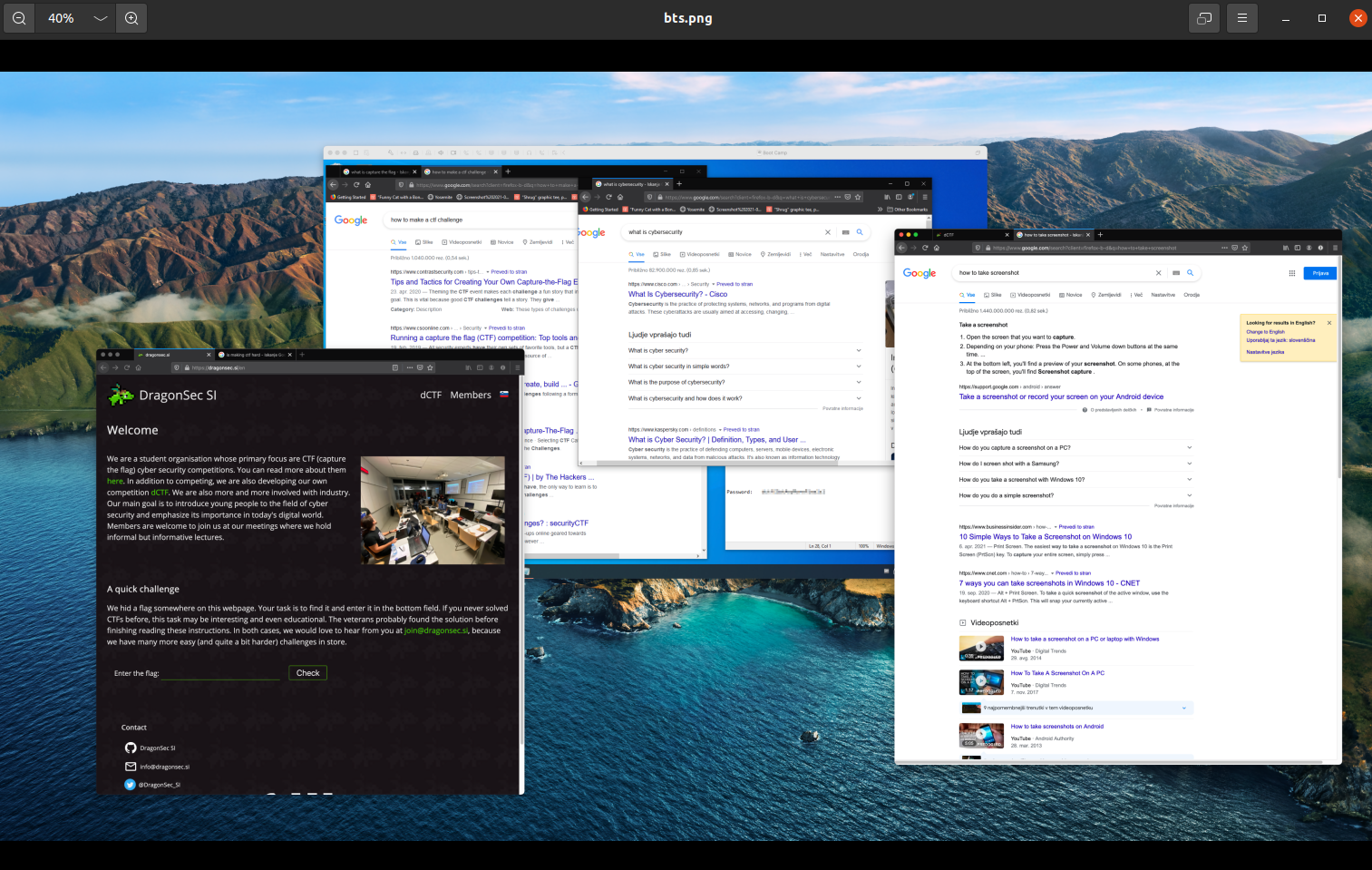
If you look at the background long enough, there is a Linux virtual machine open with the password visible in Notepad. The problem is that the text is pixelated.
My first guess was that the PNG had hidden layers or extra data I could pull apart. Running zsteg showed, among other things:
xmp:CreatorTool=\"Pixelmator Pro 2.0.8
Googling Pixelmator gave me:
## Pixelmator

Pixelmator is a graphic editor developed for macOS by Lithuanian brothers Saulius and Aidas Dailide, and built upon a combination of open-source and macOS technologies. [Wikipedia](https://en.wikipedia.org/wiki/Pixelmator)
So I spent a little time thinking about image editor metadata and packed layers. That was the wrong path.
Solution
The useful tool here was Depix:
https://github.com/beurtschipper/Depix
Depix generates pixelated versions of a character set, compares them against the pixelated text in your image, and tries to reconstruct the original letters.
My first runs did not work:
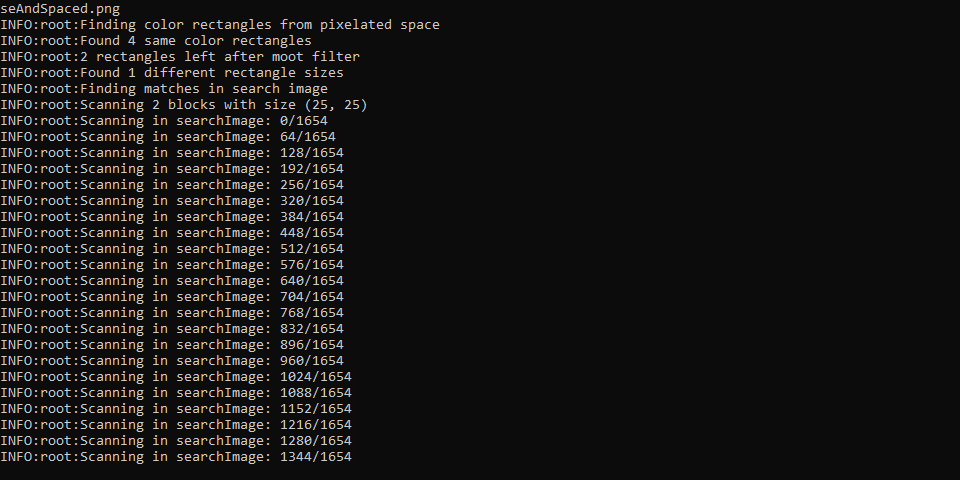
The output image was basically the same as the input.

The fix was to crop the target text almost pixel-perfectly:

After running Depix again, I got a rough but usable result:

From there, the remaining characters were readable from context.